Press your shortcut
Use Fn/Globe, F19, or another shortcut you choose.
PressSpeak is a private, offline push-to-talk dictation app for Apple-Silicon Macs. Speak naturally and your words appear at the cursor.
Your recording is never uploaded to PressSpeak.
7 days free • Then $19.99 once • No subscription
How to dictate offline on a Mac
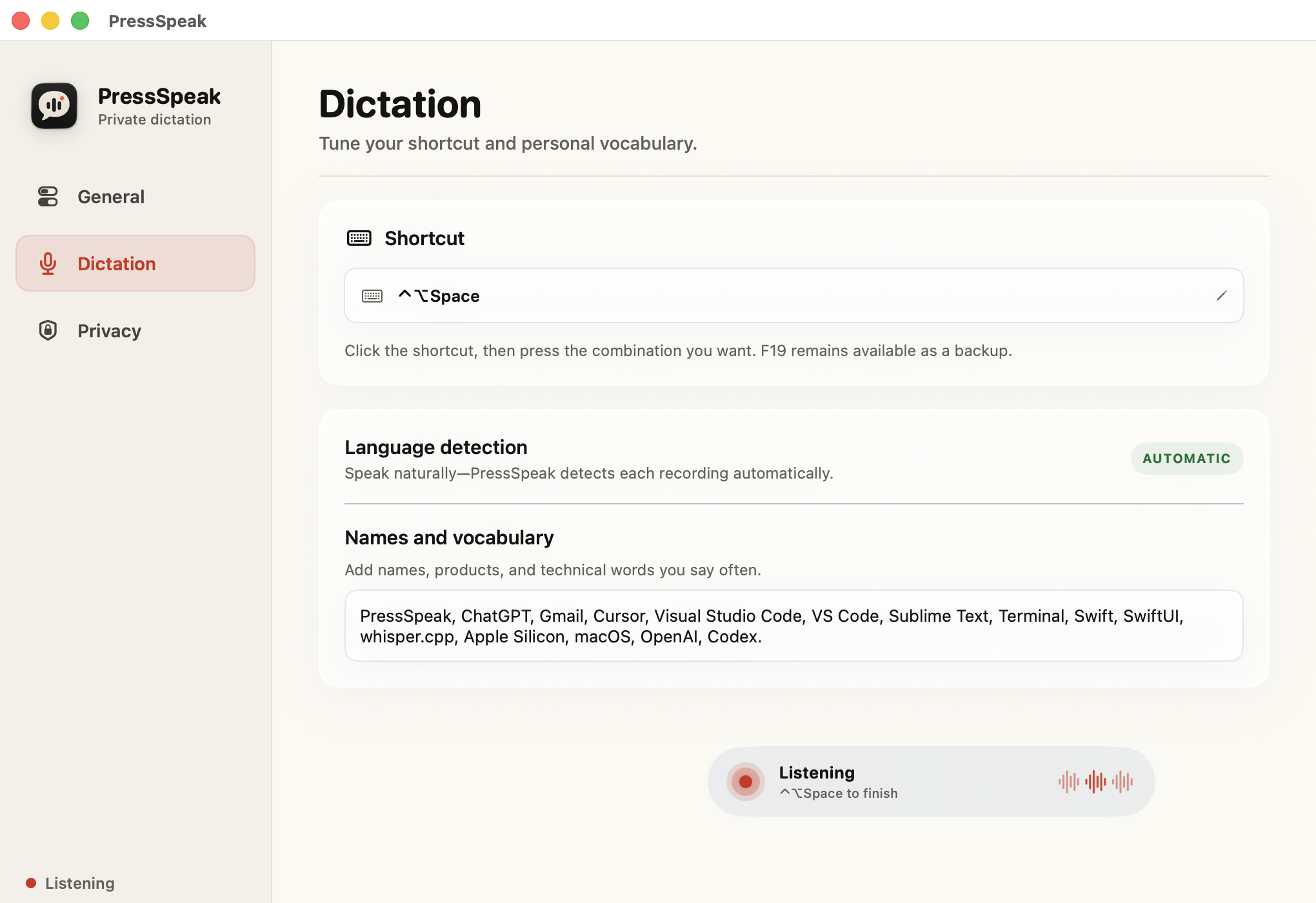
Use Fn/Globe, F19, or another shortcut you choose.
The visible indicator confirms exactly when PressSpeak is listening.
Your transcript is inserted once into the app you were using.
Keep your destination app focused, then press Fn/Globe, F19, or another shortcut you choose.
Press: Start without leaving your app
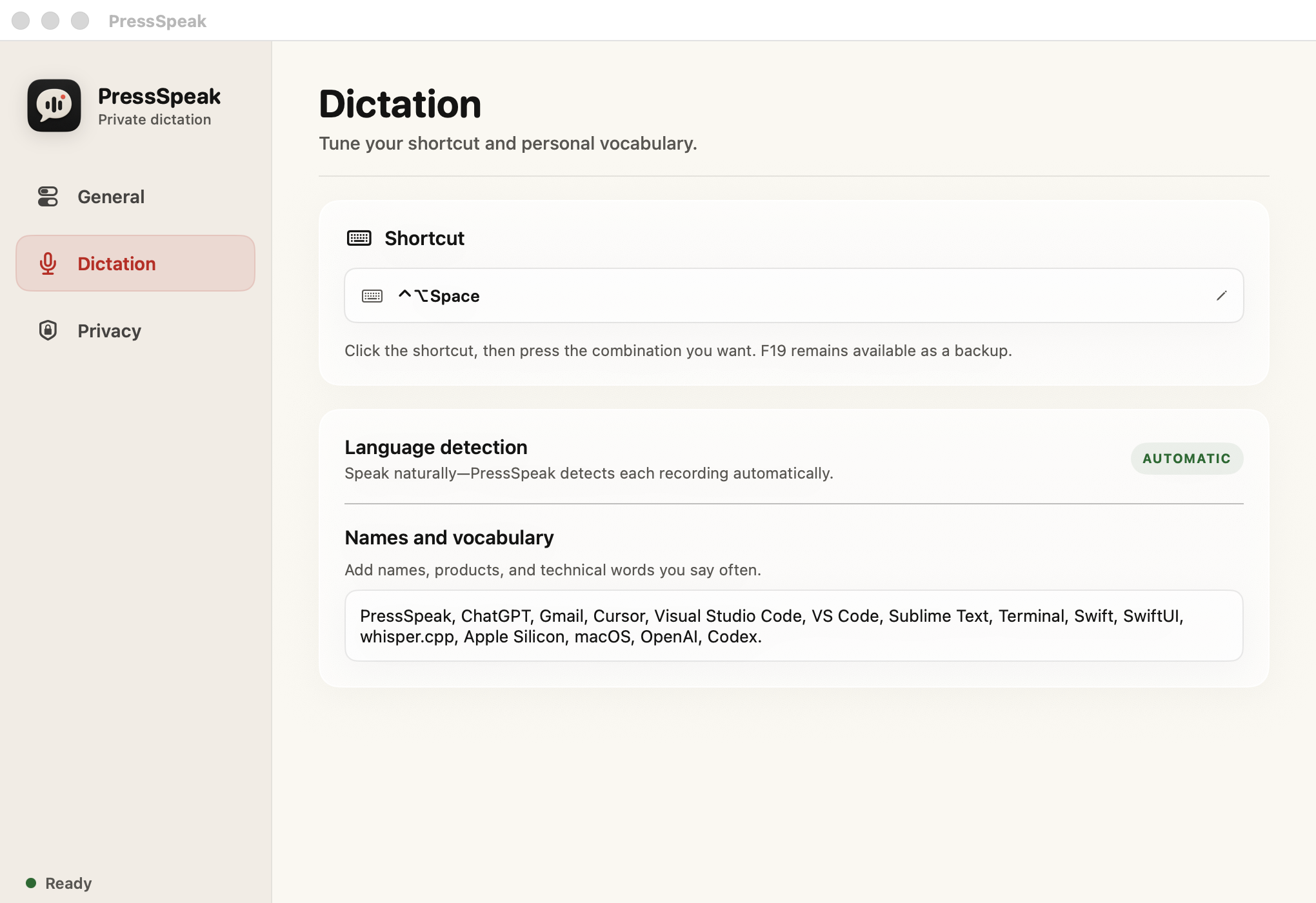
Reliable local dictation in most normal Mac text fields.
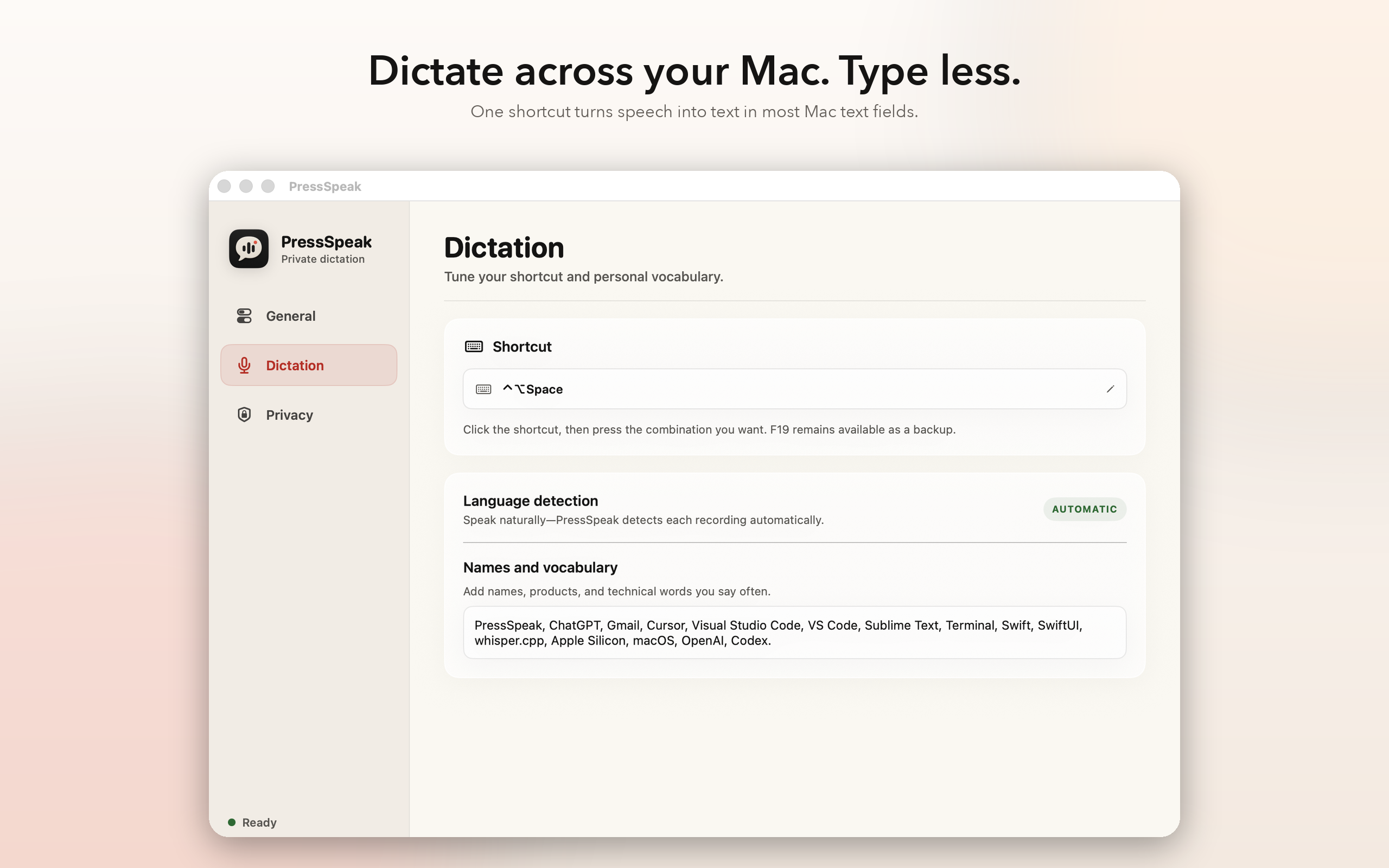
No transcription backend. No analytics. No account. No history.
Try the complete app for seven days with no card. If you keep it, unlock it inside PressSpeak through Stripe for $19.99 once.
Requires Apple Silicon · macOS 14 or laterone time
MacWhisper is the broader transcription suite. Wispr Flow is the cloud writing assistant across devices. PressSpeak is the focused local-first choice.
| Capability | PressSpeak | MacWhisper | Wispr Flow |
|---|---|---|---|
| Price | $19.99 once | Free; Pro €64 once | Free tier; Pro $15/mo or $12/mo billed annually |
| Primary job | Focused push-to-talk dictation | Transcription workspace plus dictation | Polished dictation across apps and devices |
| Processing | Bundled on-device model | Local by default; optional cloud providers | Cloud transcription; storage and training controls |
| Dictation workflow | Toggle shortcut with visible indicator | Global shortcut in the direct-download app | Global dictation across supported apps and devices |
| Platforms | Apple-Silicon Mac | Mac; Apple silicon recommended, Intel supported | Mac, Windows, iOS, and Android |
| Languages | Up to 100 languages | Up to 100 languages | Up to 100 languages |
| Writing cleanup | No rewriting | Optional with a configured AI provider | Built-in polishing, styles, and context awareness |
| Files and meetings | No | Audio/video files and meeting recording | Mac Notetaker for meetings and voice memos |
| Account | No app account | Pro uses a license key | Required |
Checked August 25, 2026 from MacWhisper’s official site and Wispr Flow’s official features, pricing, and privacy pages. MacWhisper refers to its direct-download edition. This is a capability comparison, not an accuracy benchmark.
Read the full comparisonPressSpeak is a private, offline push-to-talk dictation app for Apple-Silicon Macs. It inserts locally transcribed speech into the app you are using.
Download PressSpeak from getpressspeak.com and try the complete app free for seven days. No card is required. The earlier Mac App Store edition is currently unavailable for new downloads.
PressSpeak requires an Apple-Silicon Mac running macOS 14 or later. Intel Macs are not supported in version 1.0.
No. PressSpeak bundles its speech model and transcribes locally. Temporary recordings are deleted after transcription, and PressSpeak has no transcription server.
Microphone access lets PressSpeak record while its listening indicator is visible. Accessibility lets it recognize the global shortcut, cancel with Escape, and insert the completed transcript. PressSpeak does not request Input Monitoring.
Start the seven-day trial without a card. If you want to keep using PressSpeak, choose Unlock forever inside the app and pay $19.99 once through Stripe. Return to PressSpeak after checkout and it verifies the purchase automatically.
No. PressSpeak is a one-time purchase with no subscription or automatic renewal.
Yes. PressSpeak starts with Fn/Globe, keeps F19 available, and includes a recorder for another modified key combination or function key.
PressSpeak uses one multilingual model and detects the spoken language automatically. Accuracy varies by language, accent, microphone, and environment.
No. Version 1.0 focuses on transcription and personal vocabulary. It does not send text to an AI rewriting provider.
No. Temporary audio is deleted after transcription, and PressSpeak does not keep transcript history.
PressSpeak inserts text using a normal paste action and works in most standard Mac text fields. If an app blocks insertion, the transcript remains copied so you can press Command-V.
Everything needed to cover PressSpeak accurately, including its limitations.